Raspi 4
Date: 24/7/2020
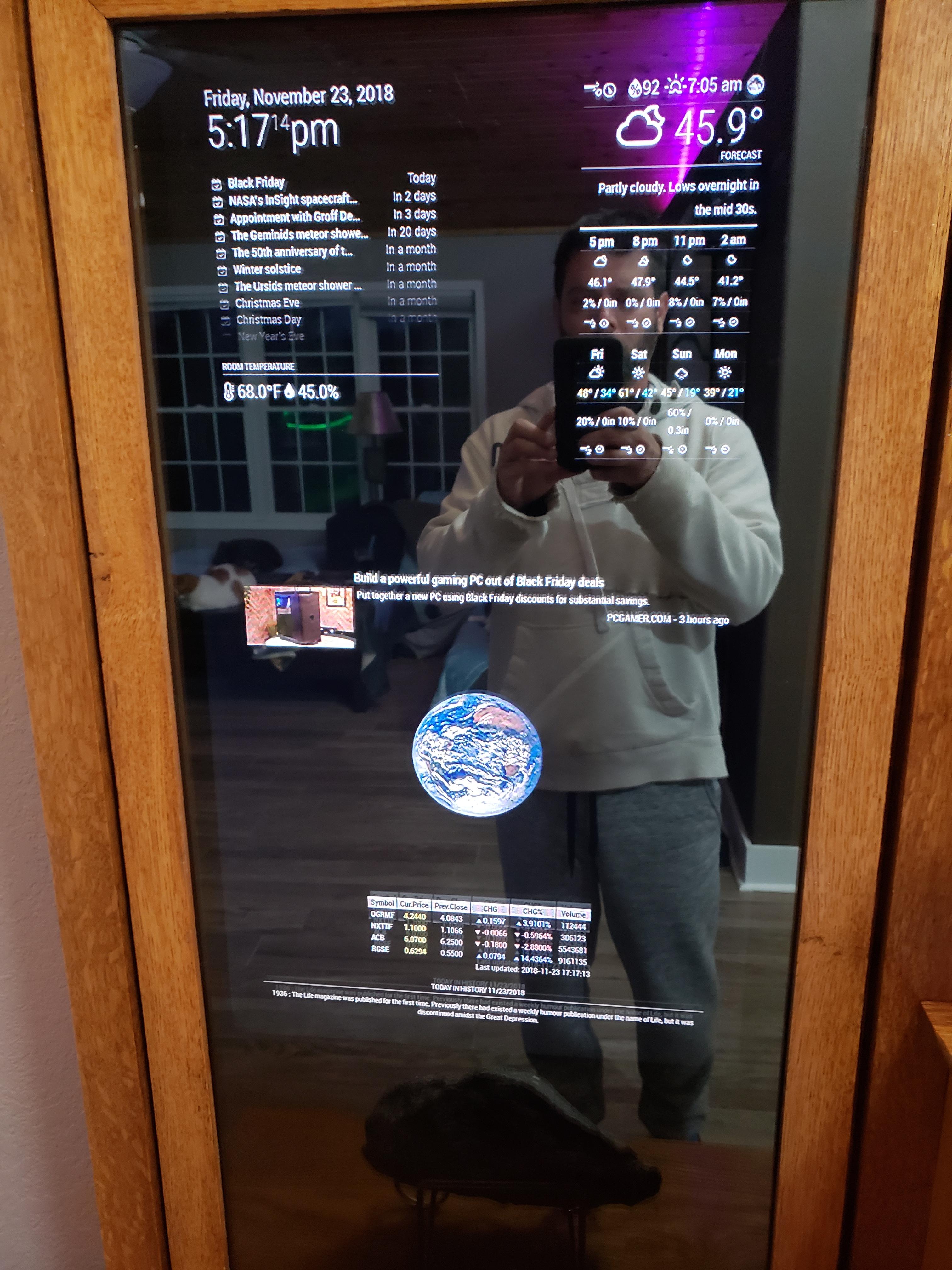
So my RPi 4 has just arrived, and I have had an idea.
What I want to do is to be able to have a main server constantly running at home, meaning that I can make it run whatever programs I want it to (i.e daily headlines emails etc).
Why would I not just use AWS? Well cost really. AWS gets expensive quickly especially when downloading things from the S3 buckets. Whereas dropbox does not charge anything to download a file. If i need to download multiple instances of a file (or download it many times an hour) then I would quickly run up a bill with AWS but not with dropbox. I can use the DBox python module to upload a file and return its download URL, so I can up-/down-load an updated JSON file there, and up-/down-load it many times a day, hour or minute!
Therefore, I think I will overhaul the mirror (that or build a new one) using the RPi4 which will act as my permanent home server.
AWS
Date: 1/6/2020
So the whole cron-upload-download-display seems unnecessarily complicated and prone to failure. So I have spent the last week or so learning how to use Amazon Web Services!
Did you know that Amazon makes most of its cash from AWS, not from standard Amazon (although I imagine they're trying to get Prime Video to generate some cash also!)
It is very scary (not least because you have to input your card details) and complicated (because they use confusing greek words like Lambda). But there are some fantastic youtube tutorials out there to teach you what to do.
It is all sorted now: at 3AM every morning AWS Lambda will run my python script and save that to my S3 bucket from where the MMM-JsonTable module can download it and display it on my mirror! Its just like Magic!
Online Files
Date: 21/4/2020
So. I have had confirmation from the creator of MMM-JsonTable that I cant display a local JSON file. So Im going to have to try something else.
What I can do is use the Dropbox module to upload my JSON from the Raspi to the internet, and then MMM-JsonTable will download that JSON (even though it was created in the same directory - stupid thing!) and display it.
Ive managed to get that running - at the moment the program is running every morning at 3AM on crontab, but I am still keen to fix that and make it more secure. Hmmm
If you're interested the JSON files for the tides in portsmouth are here
Hmmmm
Date: 18/4/2020
Right, so I have written my Tides program in python and the current plan is for the raspi itself to run the program and then MMM-JsonTable to take the local JSON file that the program outputs and display that. However there are two main issues here:
1. I can find any way for the raspi to run the program
I could use crontab, however if it happens to be off when its supposed to update then that days tides will not work.
I could also try and hack the module and get it to call and run my script but that seems complicated. If it ain't broke, don't fix it!
2. There doesn't seem to be support for MMM-JsonTable to display a local JSON file. I loaded one into the raspi, but it didn't want to display it - the module just came up empty on my screen. This seems like quite a major flaw in my plans and may require a whole rethink!
Tides 2
Date: 15/4/2020
So basically, the tiles that appear on the mirror are modules that you can customise. There is a whole library of modules that you can download and put onto your mirror. Sadly the modules need to be written in Javascript, which makes life difficult for me to do having not the faintest idea how to write in js - and no time to learn!
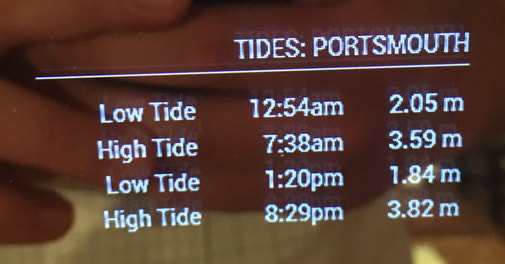
Luckily however, there is this: MMM-JsonTable. Which I can use to display the output of a python program as long as I output in a JSON format. JSON is essentially a very lightweight way of carrying data, which is stored in sort of a dictionary form (i.e. KEY: VALUE) so all i have to do is write a program that outputs values I want in a JSON file, then setup MMM-JsonTable to read that JSON and display it on the screen! Easy!
Tides
Date: 8/4/2020
So now that I have managed it, im keen to make it more my own work. Im going to try and make a modules that is useful to me. Not that useful obviously, as any useful idea has already been made and is easily downloadable.
So I want to make the mirror tell me the tides in Portsmouth. Lets see how we do....
All Built!
Date: 30/3/2020
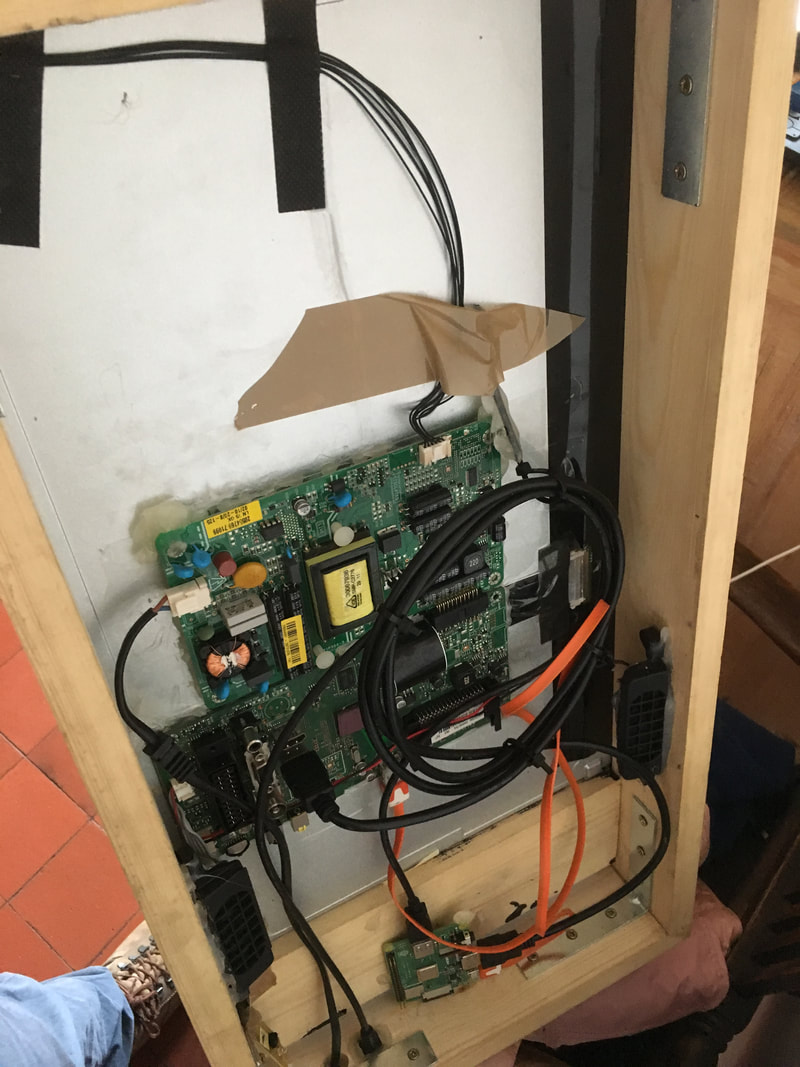
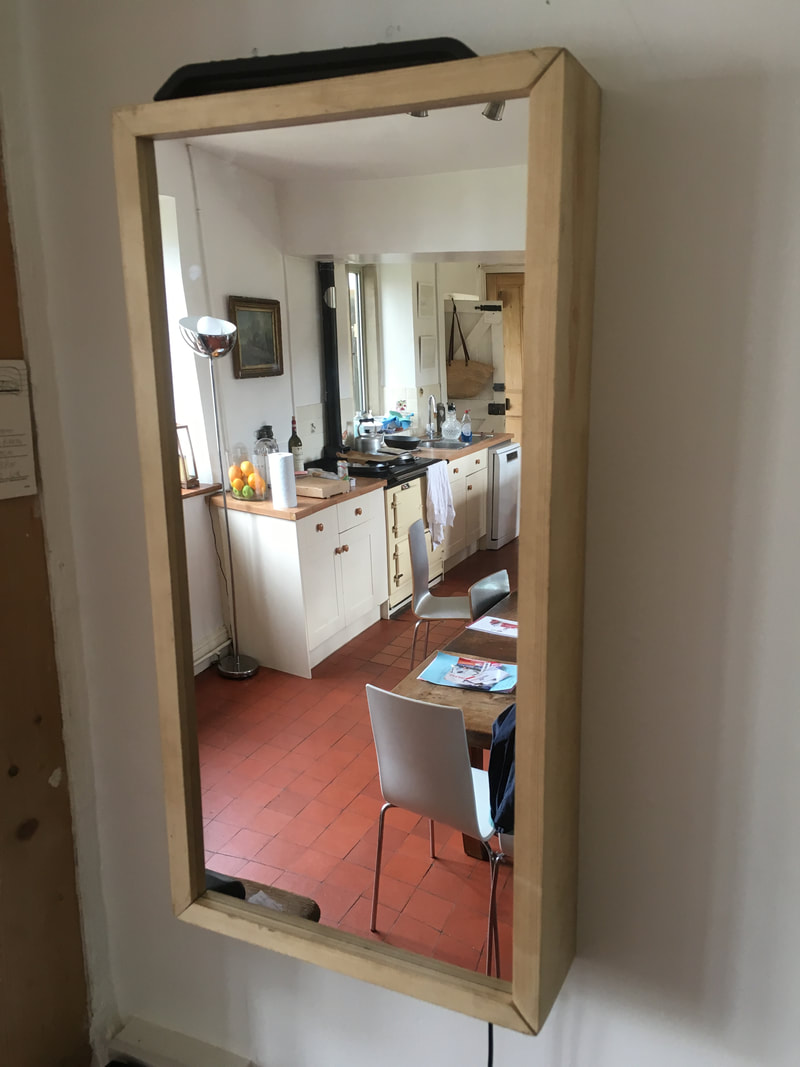
So its all come together! It isn't the finest piece of craftsmanship I've ever done and the back is far from tidy, but that's ok!
Frame and Glass
Date: 19/3/2020
So I have ordered the glass (this, if you're interested) which is the right width that the mirror can be portrait and the tv will sit exactly behind most of the glass. It does say it scratches easily, so I will have be very careful not to scratch it too much.
For the frame, I think I can just buy some planks and rout some grooves into in, then slide the glass into the outermost groove and the tv into the innermost. Again this means that there is no need for mountings and the glass and screen will be snug to each other!
Hardware
Date: 14/3/2020
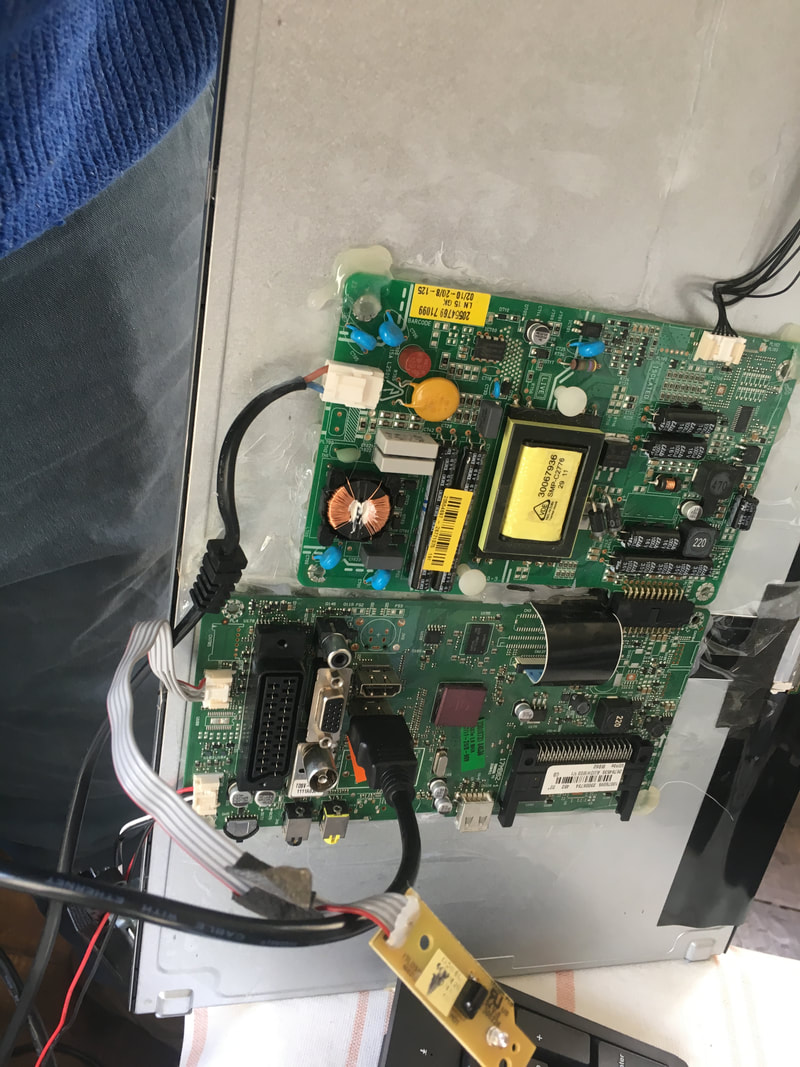
So I have decided to stick with the TV screen, as it means much less complicated wiring and much easier for me just to glue stuff to the back of it, rather than making mountings and stuff for it all.
The only issue I can see so far is that the TV needs to be turned on with the remote in order for it to work - so we will have to see if we can build in some system for that also! We cant turn it on with the raspi as it is powered off the screen, so its not on until the screen is on...
Magic Mirror
Date: 12/3/2020
So the software is all downloaded onto my rapi and it all seems to run well (mostly thanks to this amazing tutorial). Its so cool to see it startup and run like it does.
One of the problems is my wiring. Currently I am using an old TV we had lying around as a screen with the raspi powered of the 5V 2A USB socket in the back of that, however a lighting bolt icon appears fairly regularly in the top right of the screen - which I think is a low voltage indicator. It may be that I need to rethink this then....
Raspberry Pi
Date: 11/3/2020
So basically, this project has two sides to it. 1 software and 2 hardware. Im going to try to sort out the software first, so that it is all up and running before I spend hours building a frame for it!
Ive ordered a Raspi 3A+, which should give me enough RAM to play with without breaking the bank: £25 for a whole computer!
As it turns out the software is all based on a previously existing software kernel which I just edit to make my one. That software - MagicMirror - has a huge amount of documentation, help and tutorials to get me going fairly quickly!
Plans
Date: 4/3/2020
So, I stumbled across this while online and I am very keen to build one. As far as I can tell it doesn't seem too difficult. In fact the harder bit might actually turn out to be the actual mirror building rather than the programming!